Your M3U & Xtream streams, on every screen you own.
Live TV, Movies, and Series from your own M3U playlist or Xtream Codes account — one fast app for your Chromecast, Android TV, phone, tablet, and iPhone.
ZapStream is a player, not a content provider — bring your own M3U playlist or Xtream Codes account.
How it works
Add your source
Paste an M3U playlist URL, or sign in with your Xtream Codes account. ZapStream never hosts or provides content itself.
Pick what to watch
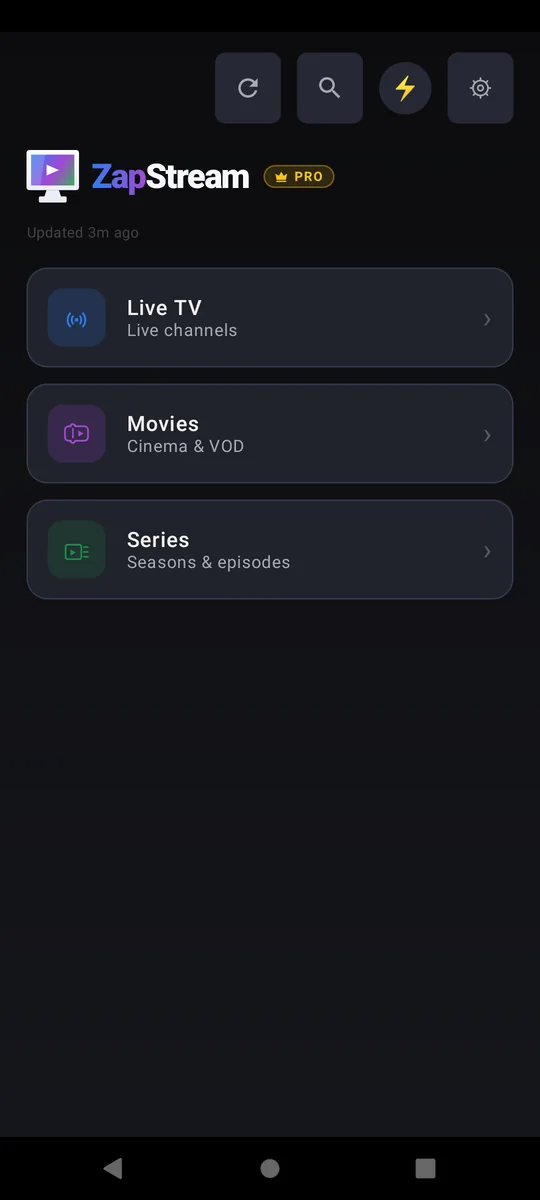
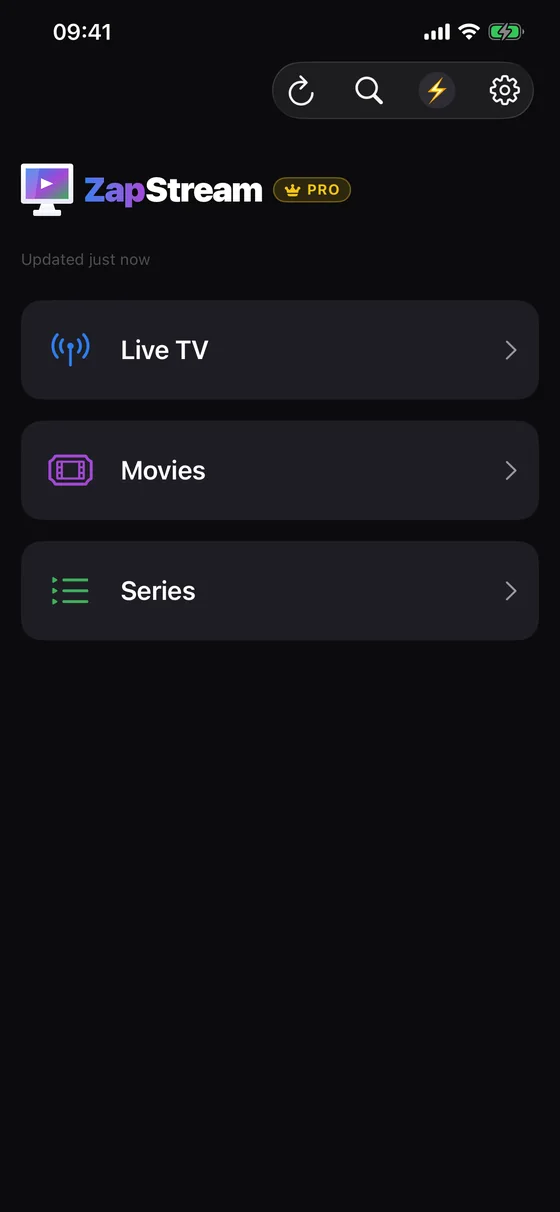
Browse Live TV with on-screen EPG info, or jump into Movies and Series catalogs with built-in search.
Watch anywhere
Same app, same favourites and resume points, on your TV, phone, tablet, or iPhone.
One app, every screen
Chromecast with Google TV, Android TV, phone, tablet, iPhone, and iPad.
Built for your own source
M3U playlists and Xtream Codes accounts, with multiple saved profiles.
Fast on huge catalogues
Category pre-filtering keeps 100,000+ entry providers snappy to load.
Pick up where you left off
Continue Watching and resume position across Live TV, Movies, and Series.
Everything you'd expect, tuned for M3U & Xtream streaming
Live TV & EPG
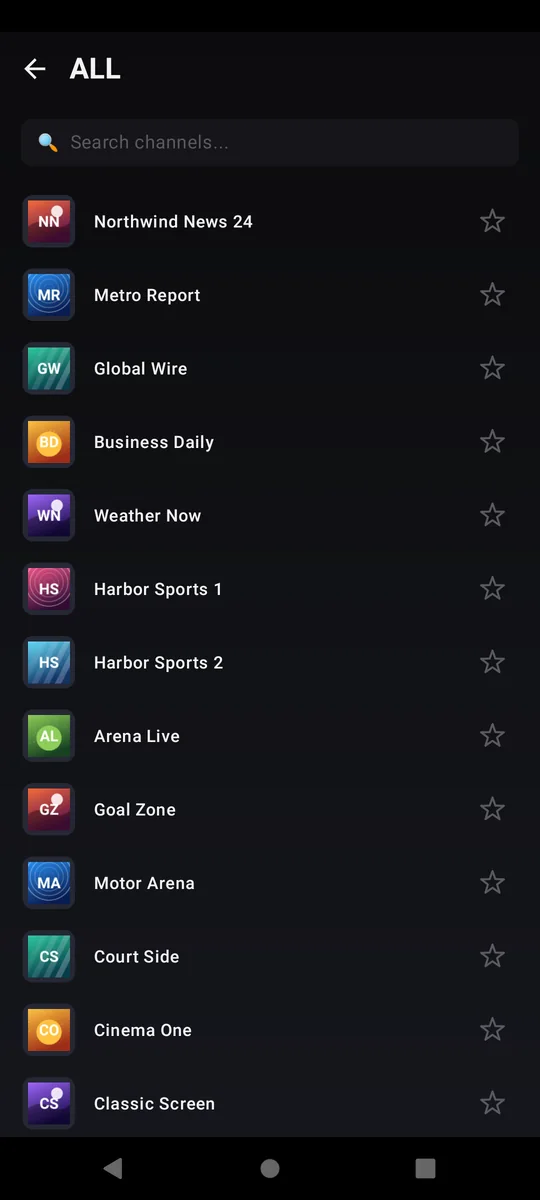
See what's on now and what's next, zap between channels, and let ZapStream auto-reconnect when a stream stalls.
Find what's on, not just what it's called
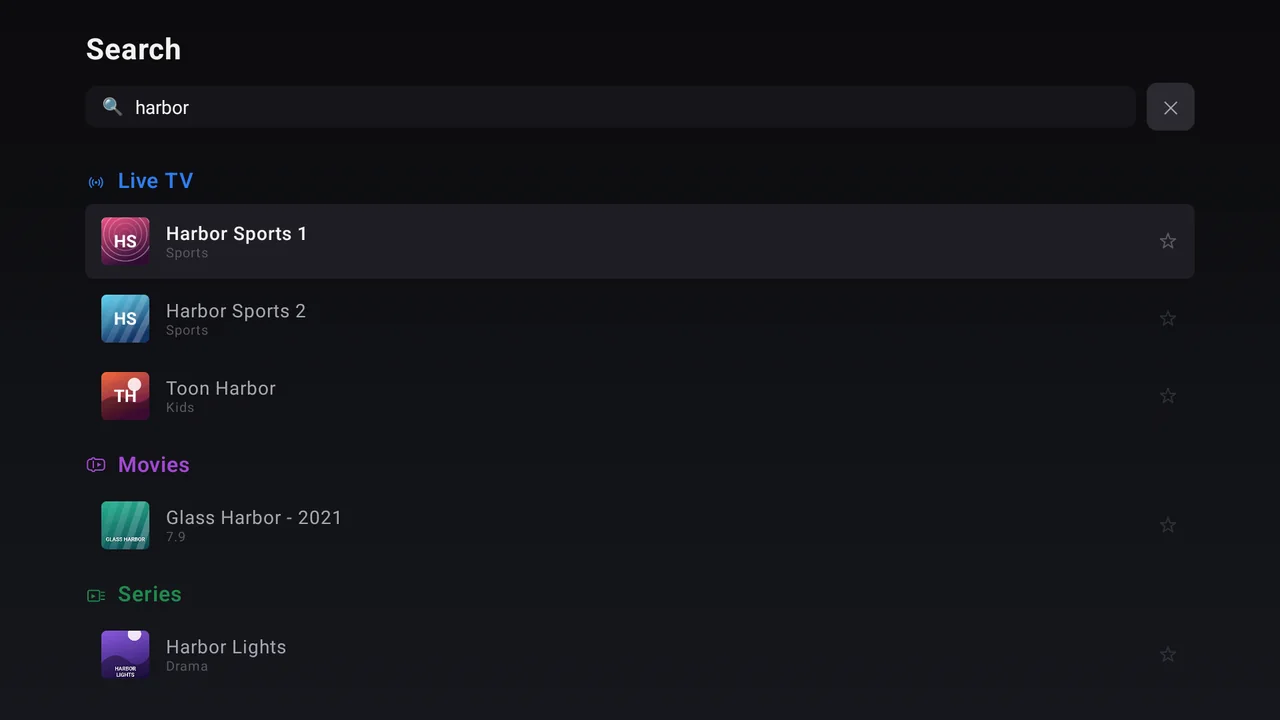
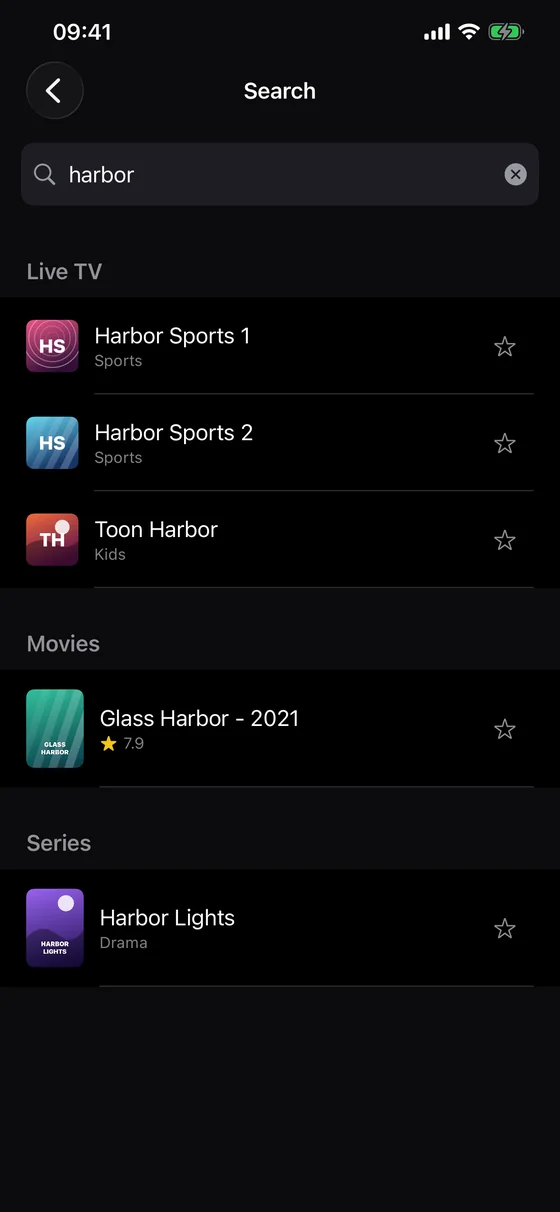
Search the programme guide, not only channel names. Type a team, a film, or a show and an “On TV” section tells you which channels are carrying it and when it starts — with the same channel's quality and backup feeds collapsed into one row. Live TV's own search reads the guide too, so a channel turns up even when its name says nothing about what's playing.
Movies & Series
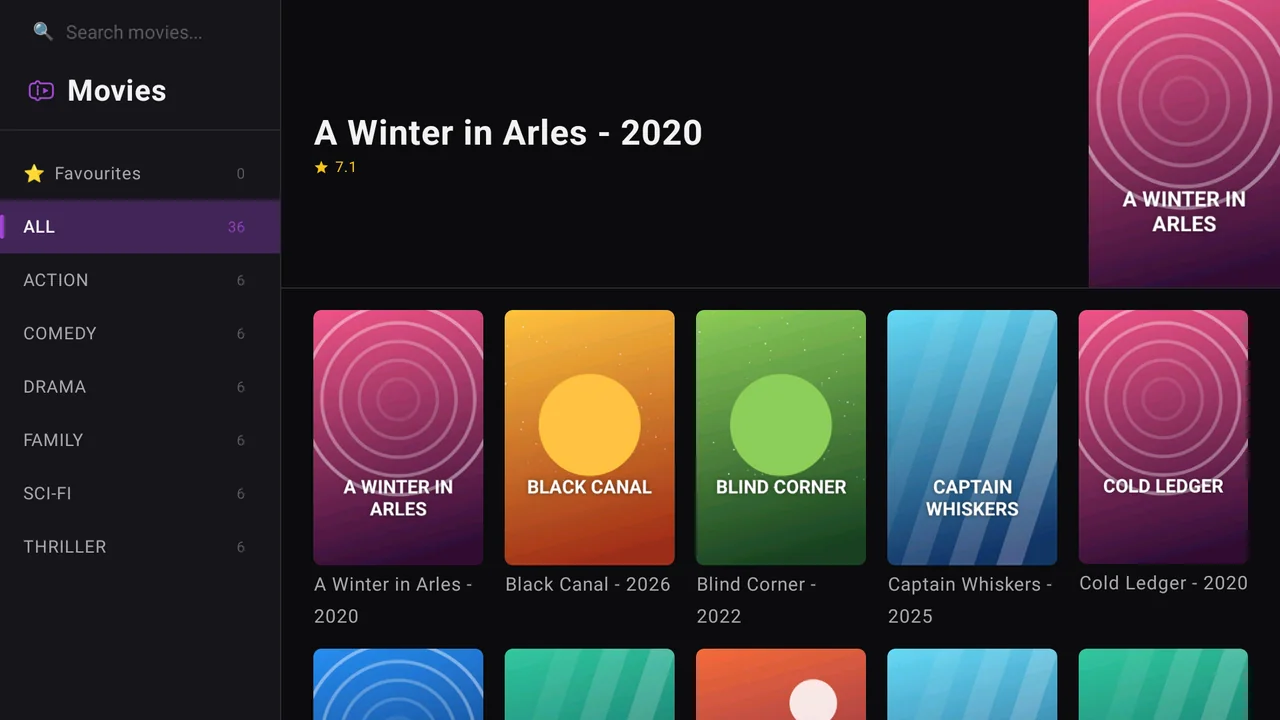
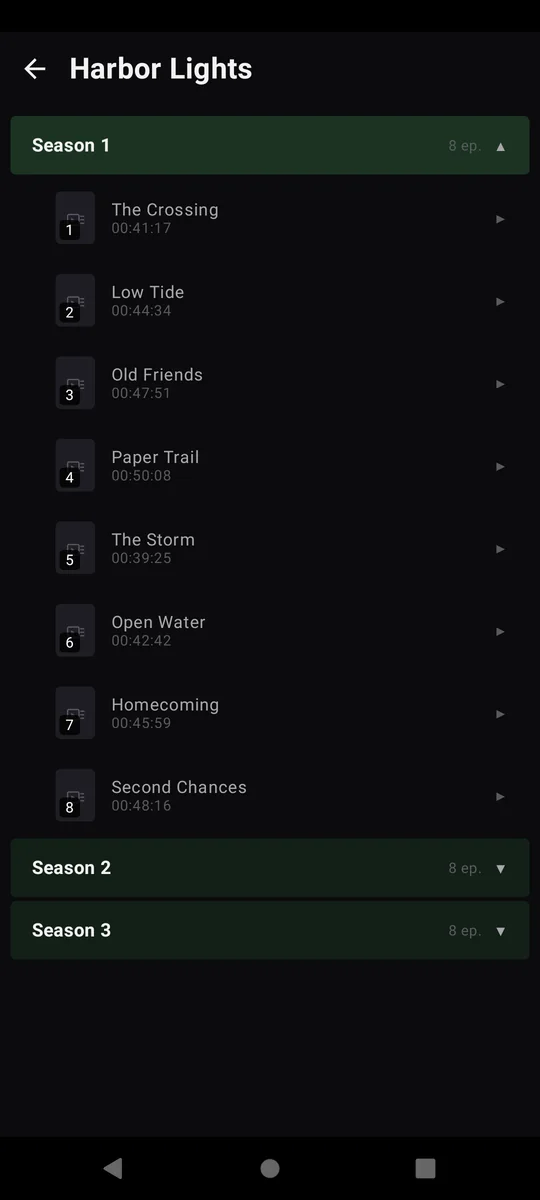
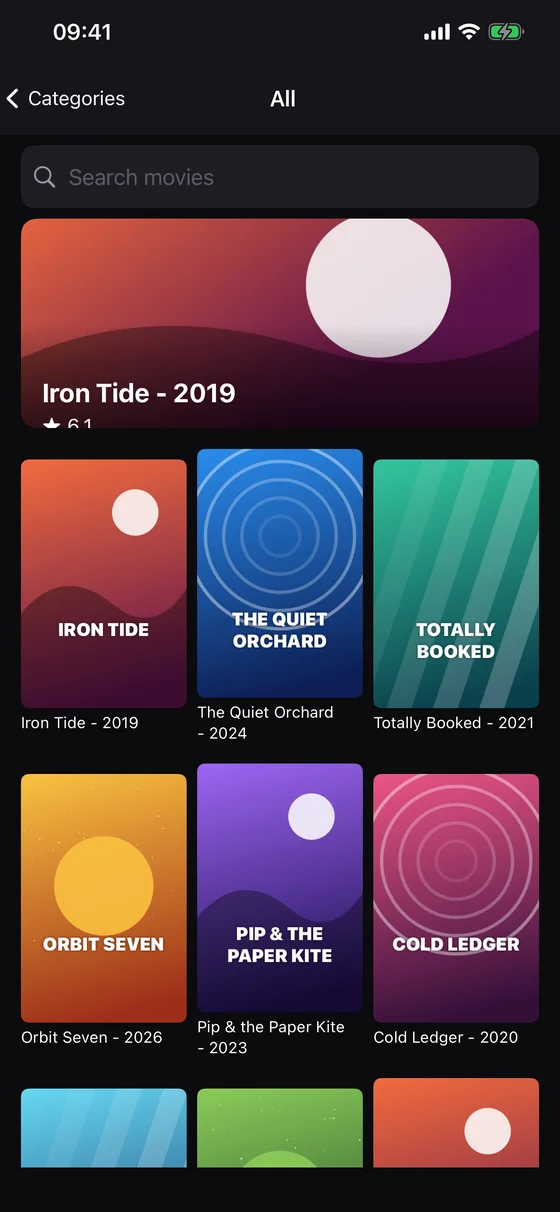
Browse rich poster catalogues with built-in search, audio and subtitle track selection, and seek by dragging the progress bar — or accelerating fast-forward/rewind up to 32x with a TV remote's media keys.
Stay organized
Favourite the channels and titles you care about (kept separately per source profile), pick up where you left off with Continue Watching, and let watched episodes mark themselves so a series always shows you what's up next.
Speaks your language
Available in 20 languages, including English, Spanish, French, German, Portuguese, Arabic, Chinese, and Japanese — switch anytime, no restart required.
Multiple source profiles
Save more than one M3U playlist or Xtream Codes account as a separate profile, and switch between them whenever you like.
Filter by category
Pre-select which categories to load for Live TV, Movies, and Series independently — huge provider catalogues stay fast instead of dumping everything at once.
Buffering you control
Two independent buffer settings — one for Live TV, one for Movies & Series — each offering Fast start, Balanced, or Smooth. Trade a little startup speed for a deeper cushion, so a brief network dropout stops interrupting playback.
Tidy, readable categories
Providers often ship hundreds of fragmented, oddly-named categories. ZapStream groups them into collapsible rows by country, language, and provider — and one switch hands you the raw list back if you'd rather see it untouched.
Watch it your way
Picture-in-Picture on phone, tablet and iPhone; a Fit / Crop / Stretch control for streams with the wrong aspect ratio or burnt-in black bars; and adjustable subtitle size and background.
Connects where others don't
Hostnames are resolved over DNS-over-HTTPS by default, so the app still reaches your provider when your network's own DNS server can't. One switch in Settings turns it off.
Make it yours with Pro
An optional one-time purchase removes every ad and unlocks custom lists, PIN-protected category lock, and advanced title cleanup. No subscription.
See it on every screen
The same app, shaped for a TV remote, a thumb, or a tablet. Pick a device and take the tour.
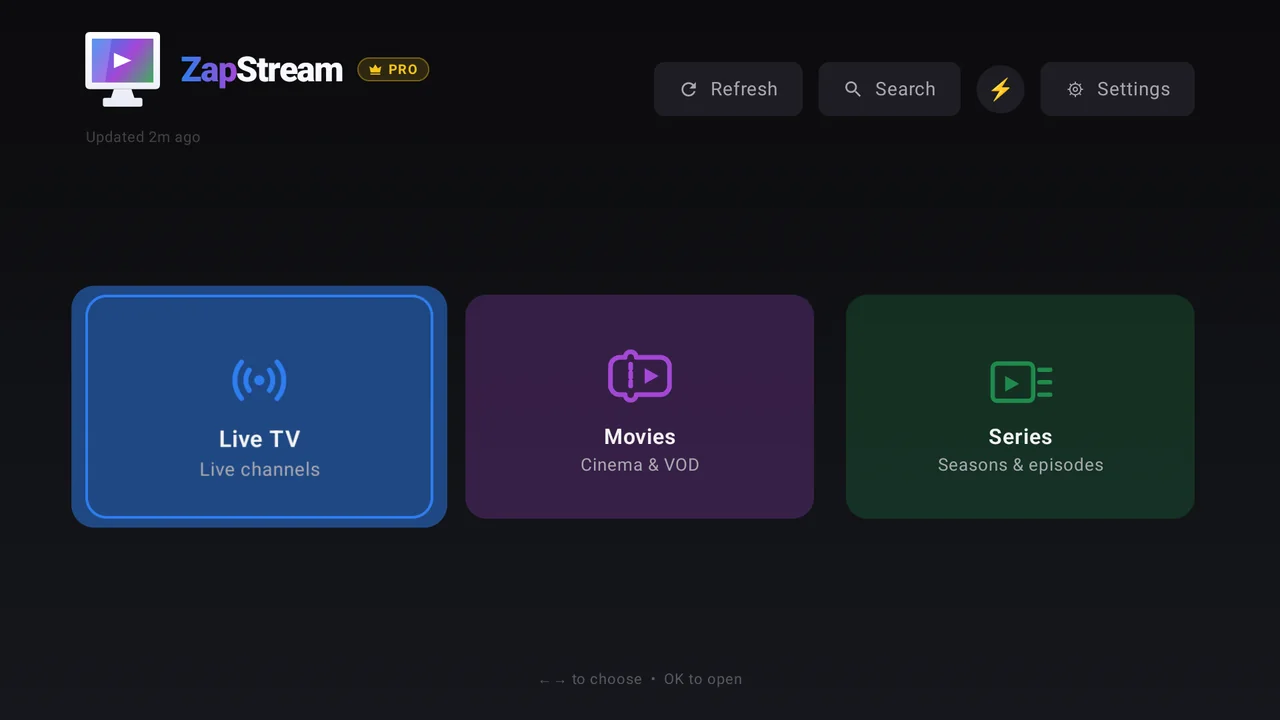
Live TV, Movies and Series, one tap or one click away.
Chromecast with Google TV · Android TV · Fire TV — built for the remote
Frequently asked questions
Does ZapStream provide channels, movies, or series?
No — ZapStream is a player, not a content provider. You bring your own M3U playlist URL or Xtream Codes account. ZapStream never hosts, sells, or provides any content.
What do I need to get started?
You need either an M3U playlist URL or an Xtream Codes server address with your username and password — both supplied by a third-party IPTV provider of your choice. ZapStream does not sell or recommend any specific provider.
Which devices are supported?
ZapStream runs on Chromecast with Google TV, Android TV boxes, Fire TV, Android phones and tablets, iPhone, and iPad. One app across all your screens — see the question below for where each version can be downloaded today.
Is ZapStream free? Does it show ads?
Yes, it's free. On phones, tablets and iPhone it is funded by ads: a banner on the Home screen, and an occasional full-screen ad between screens — when you open a section from Home, reload your catalogue, or return to the menu after finishing a movie or episode. Never during playback, and at most once an hour. The TV versions (Chromecast with Google TV, Android TV, Fire TV) never show ads at all. An optional one-time "Pro Lifetime" purchase removes every ad permanently and unlocks custom lists, category lock, and advanced title cleanup. There is no subscription.
Are my credentials stored securely?
Yes. Your Xtream Codes credentials and M3U URLs are stored only on your device — locally. They are never uploaded to any ZapStream server.
Will every channel or stream play?
Not necessarily. Some providers use DRM (Widevine) encryption or 4K HEVC streams that require specific hardware — ZapStream will show a clear error in those cases.
Is ZapStream available now?
Android — phone, tablet, Android TV and Chromecast with Google TV — is available now on Google Play, and iPhone and iPad on the App Store. The Fire TV version is awaiting review on the Amazon Appstore — if you'd like early access, reach out via the contact link below.