Your M3U & Xtream Codes streams on your Android phone and tablet
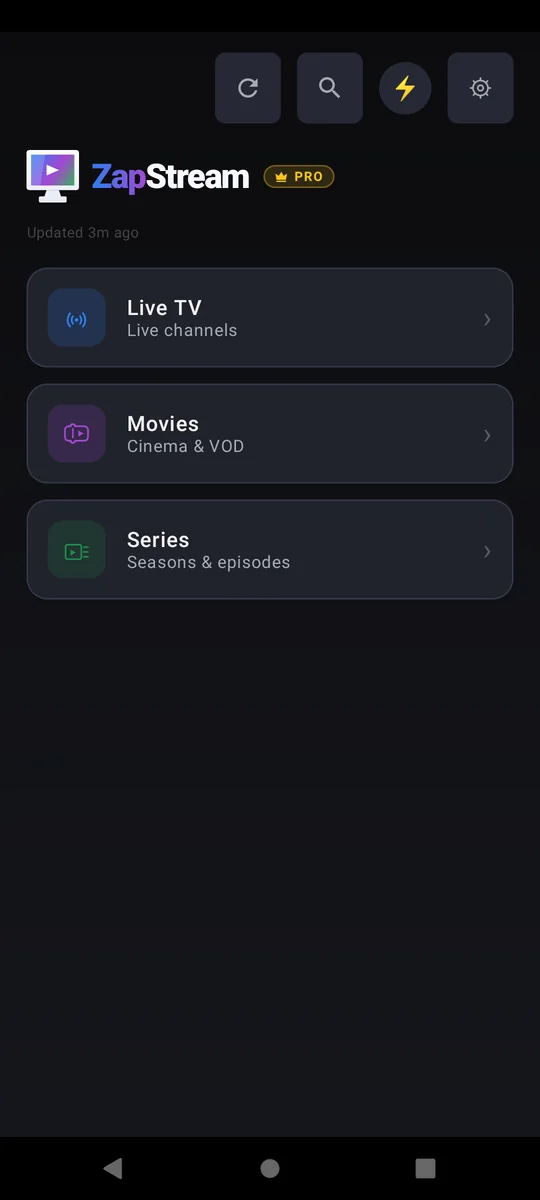
ZapStream gives your own M3U playlist or Xtream Codes account a touch-first home on Android phones and tablets — with the same favourites, resume points and lists as on your TV.
ZapStream is a player, not a content provider — bring your own M3U playlist or Xtream Codes account.
Why ZapStream on Android
One-handed on a phone
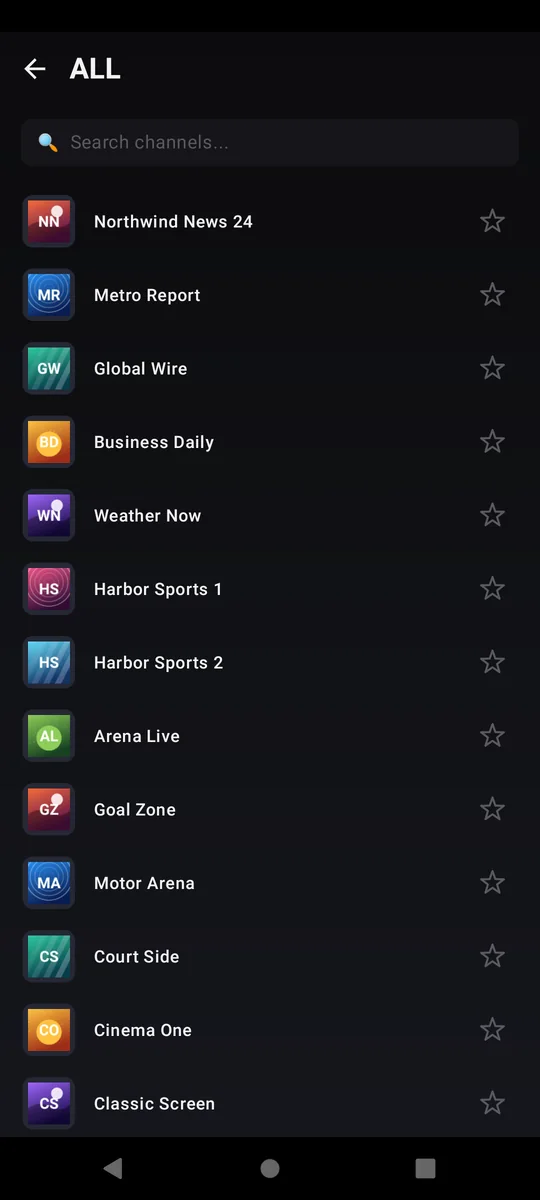
A touch-first layout with the category list a tap away. Swipe across the picture to change channel; drag the progress bar to seek.
Tablet layout
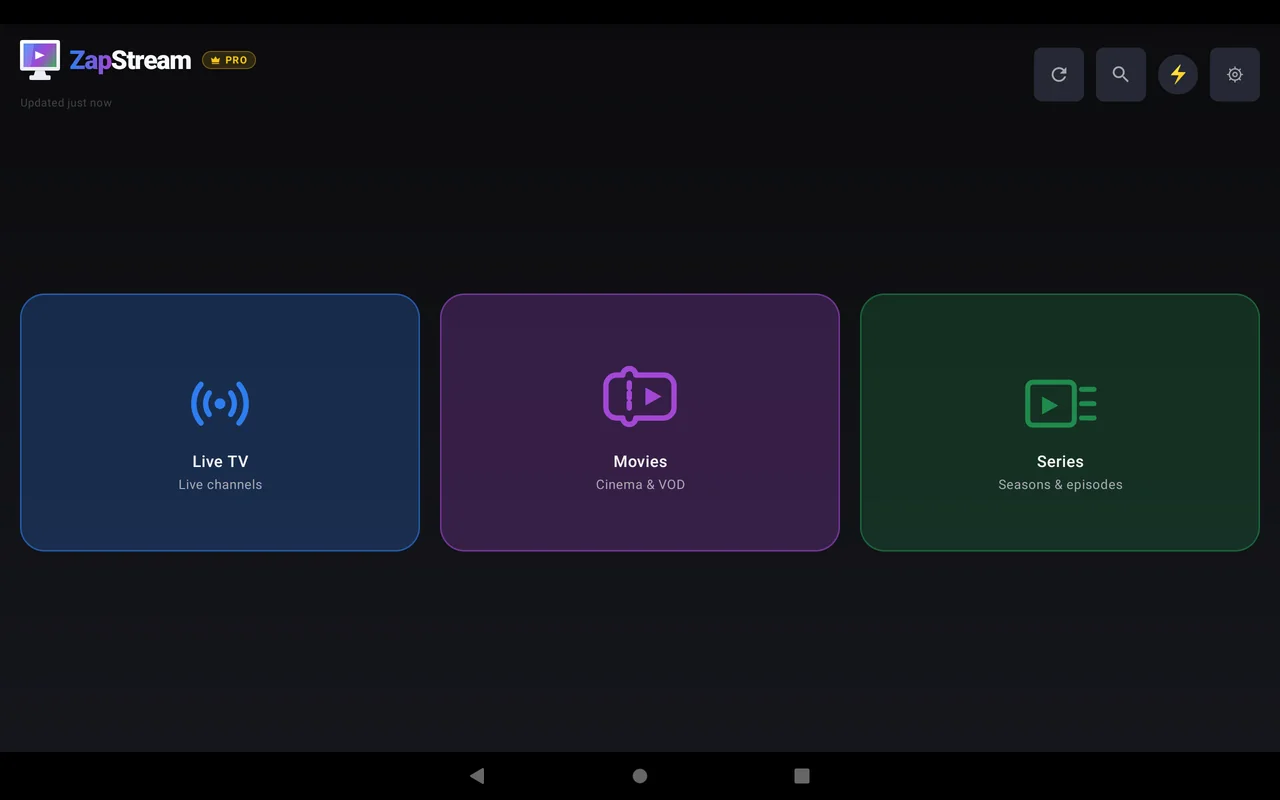
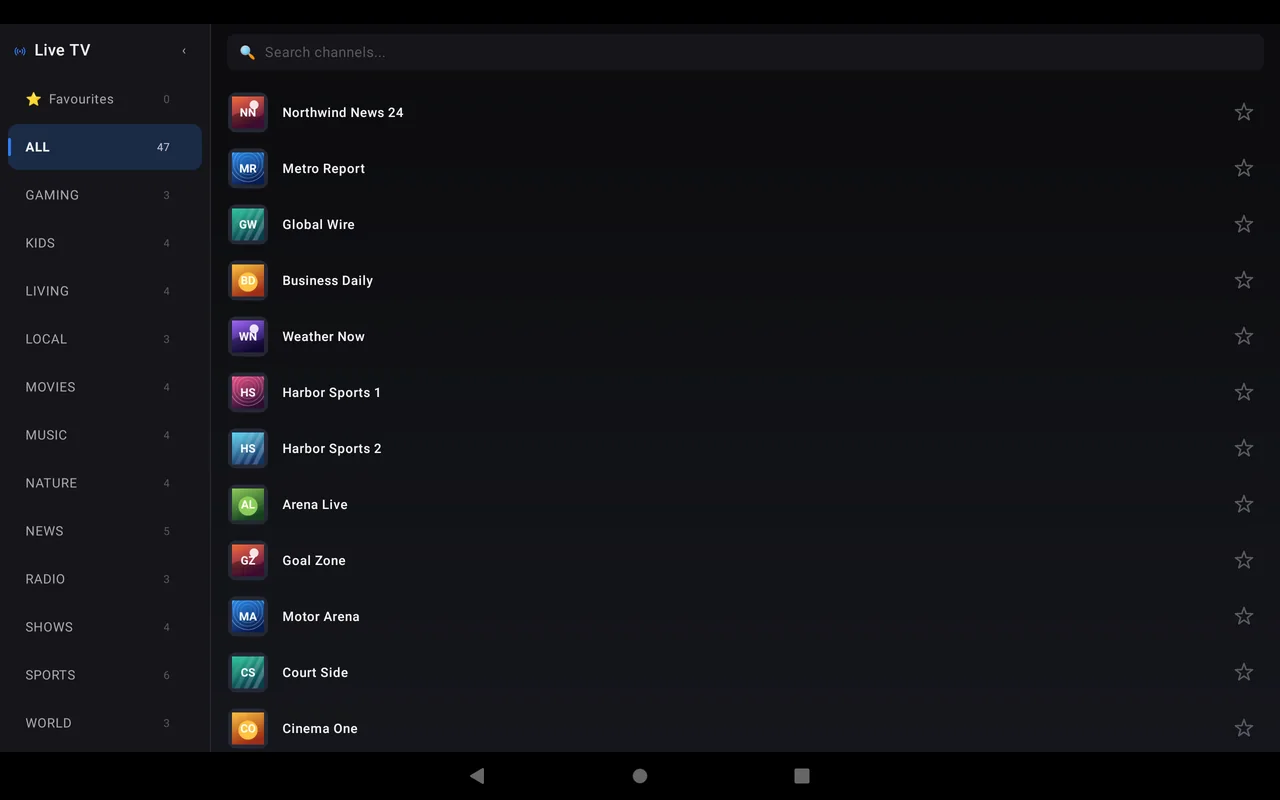
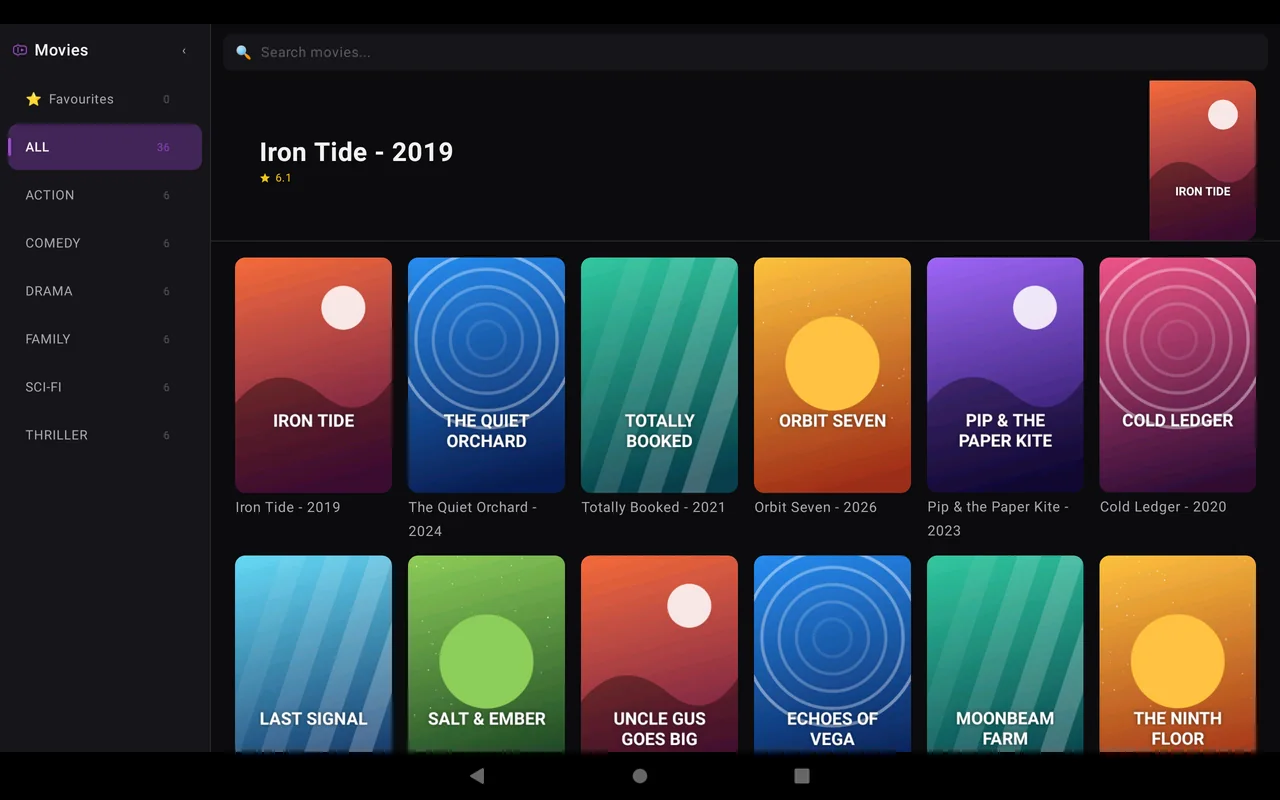
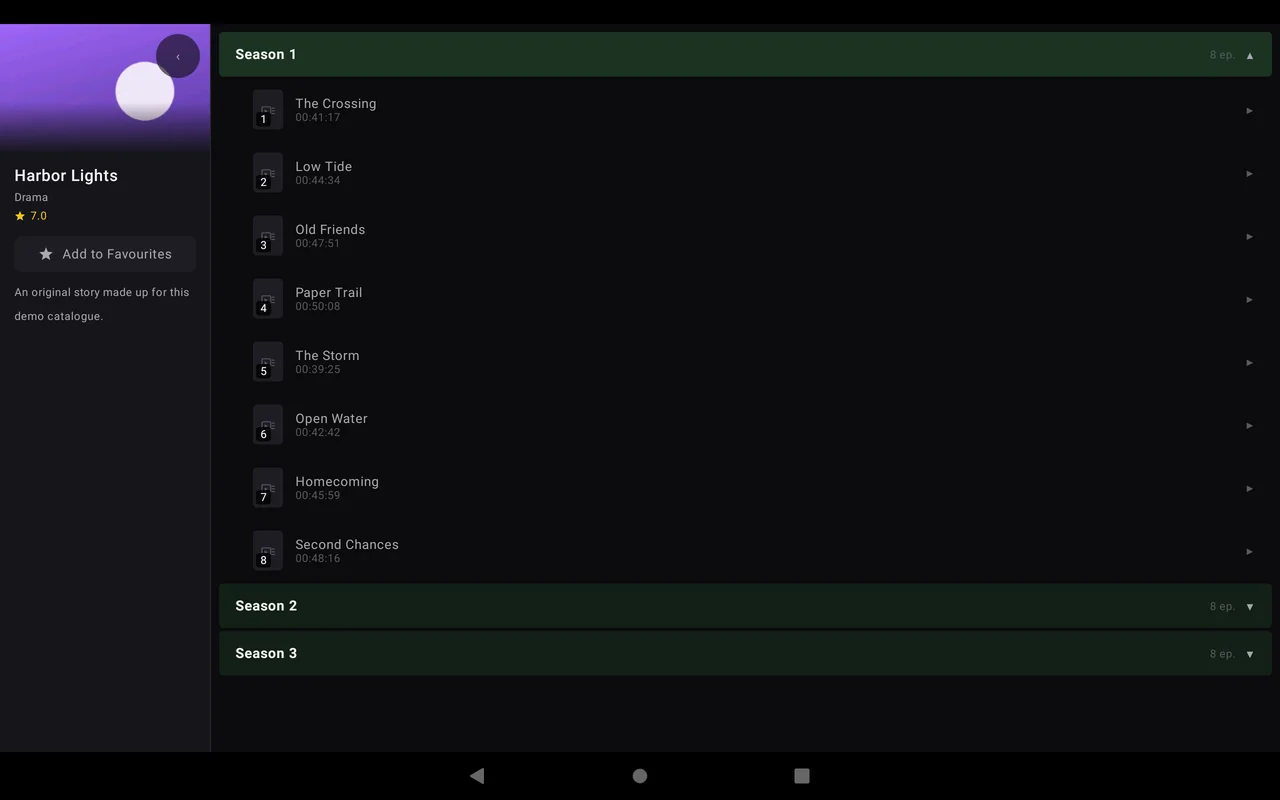
On a tablet, the TV-style sidebar layout comes back — rebuilt for touch.
Fix the picture
Cycle Fit, Crop and Stretch for streams with the wrong aspect ratio or black bars burnt into the frame. Your choice sticks across channels.
Picture-in-Picture
Leave the app and the video keeps playing in a floating window.
Same app as your TV
One Google Play listing covers phone, tablet and Android TV. Opt-in encrypted sync keeps favourites, progress and lists in step across them, and Pro restores on every device on your Google account.
Guide grid and EPG search
Switch Live TV to a scrollable guide grid, or search for a match or a film and an “On TV” section tells you which channel carries it and when.
Get started on Android
Install from Google Play
ZapStream runs on phones and tablets with Android 9 or later.
Add your M3U or Xtream Codes source
Paste a playlist URL, or enter your server, username and password. Use Test to check the connection.
Choose your categories
Load only the categories you watch, for Live TV, Movies and Series separately.
Turn on sync (optional)
Settings → Sync across devices links your phone with your TV or iPhone by scanning a QR code.
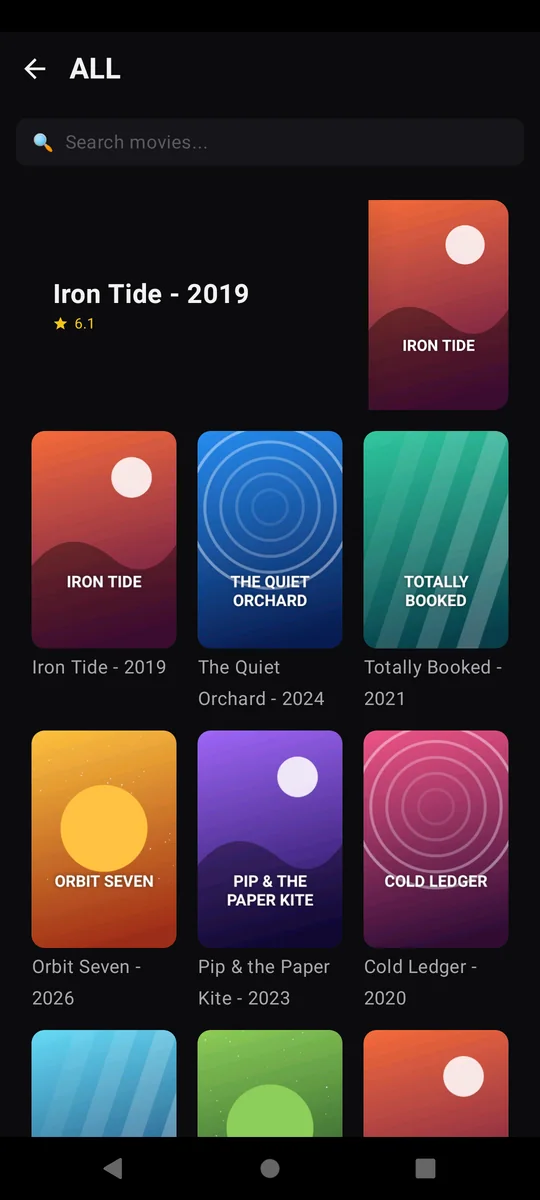
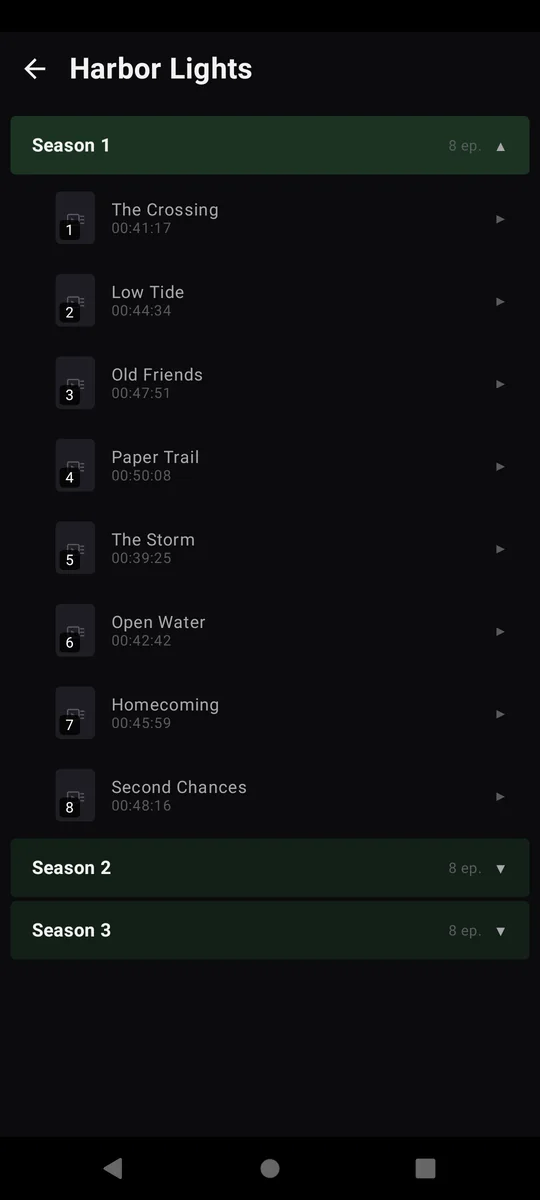
ZapStream on Android phone and tablet
Android phone & tablet questions
Which Android version does ZapStream need?
Android 9 or later, on phones and tablets.
Is ZapStream free on Android?
Yes. On phones and tablets it shows a Home-screen banner and an occasional full-screen ad between screens — never during playback, and at most once an hour. A one-time Pro Lifetime purchase removes every ad, on all your Android devices.
Can I cast from my phone to a Chromecast?
ZapStream doesn't cast. If you have a Chromecast with Google TV, install ZapStream on it directly from Google Play — it has its own remote-driven TV interface, with no ads.
Do my credentials leave the phone?
No. Your M3U URLs and Xtream Codes credentials are stored only on your device, and sync never includes them.
Does ZapStream include channels?
No. ZapStream is a player only — bring your own M3U playlist or Xtream Codes account.