The M3U & Xtream Codes player built for your TV remote
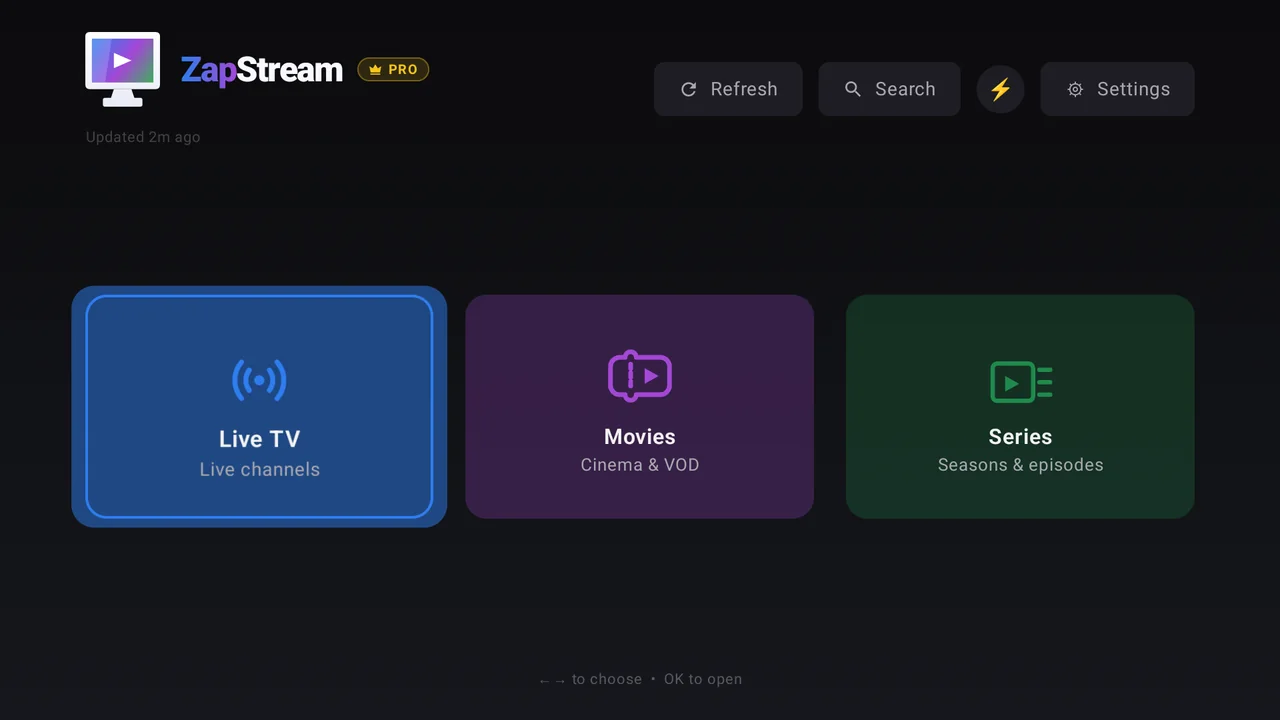
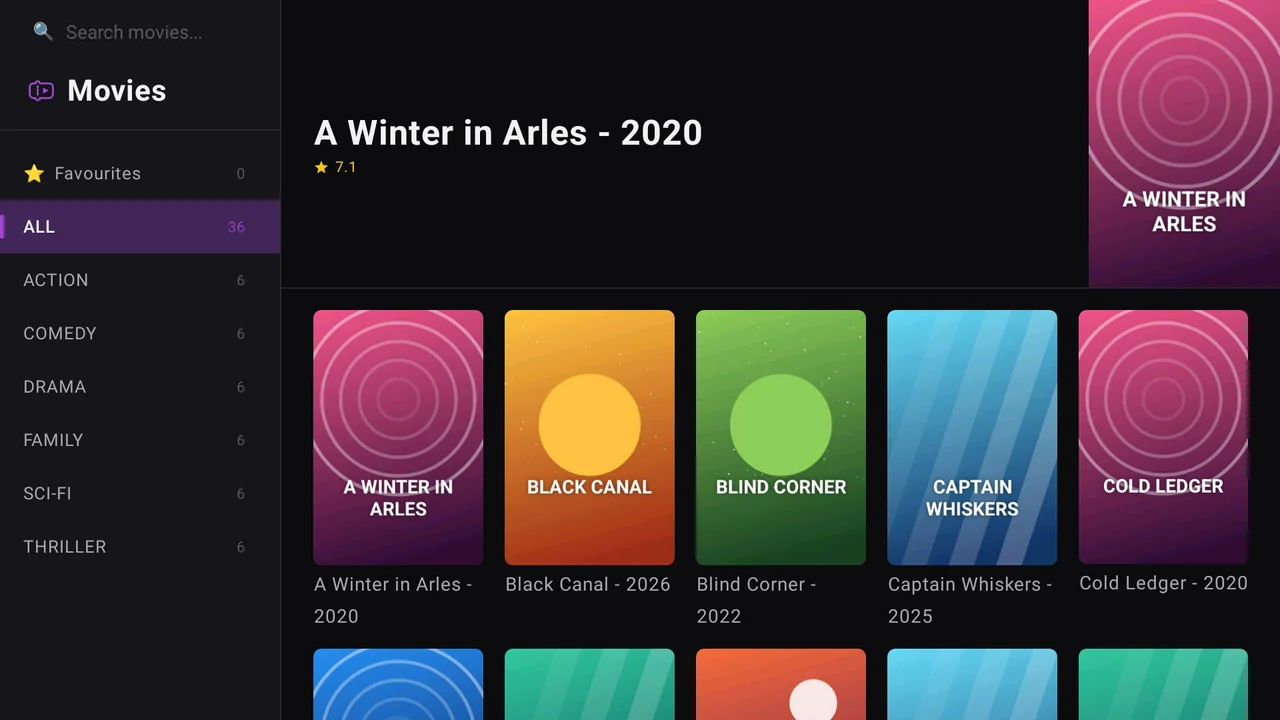
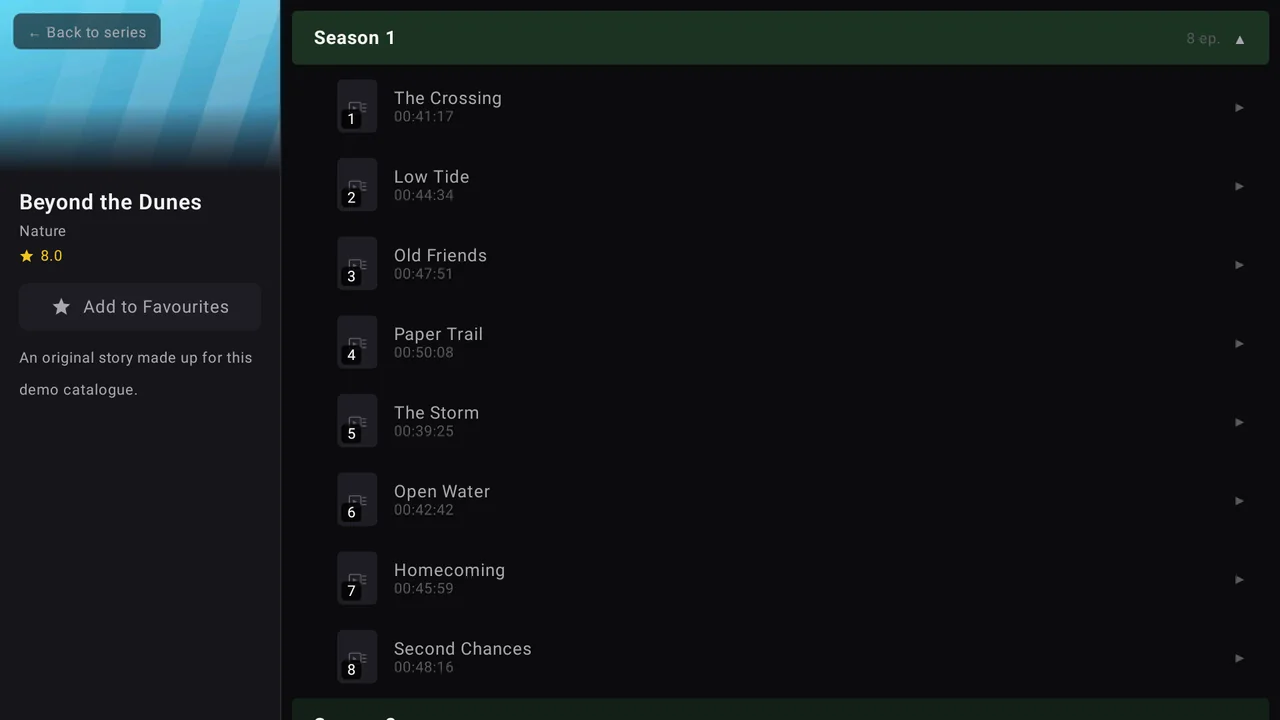
ZapStream turns your own M3U playlist or Xtream Codes account into a fast, lean-back TV experience on Chromecast with Google TV and any Android TV or Google TV device. Live TV with a programme guide, Movies and Series with resume — and on TV it is completely free of ads.
ZapStream is a player, not a content provider — bring your own M3U playlist or Xtream Codes account.
Why ZapStream on your TV
Designed for the D-pad
Every screen is laid out for a remote, not adapted from a phone. Up/Down zaps channels while you watch, and ◀ opens a channel panel over the picture so you can switch without leaving it.
Guide grid built in
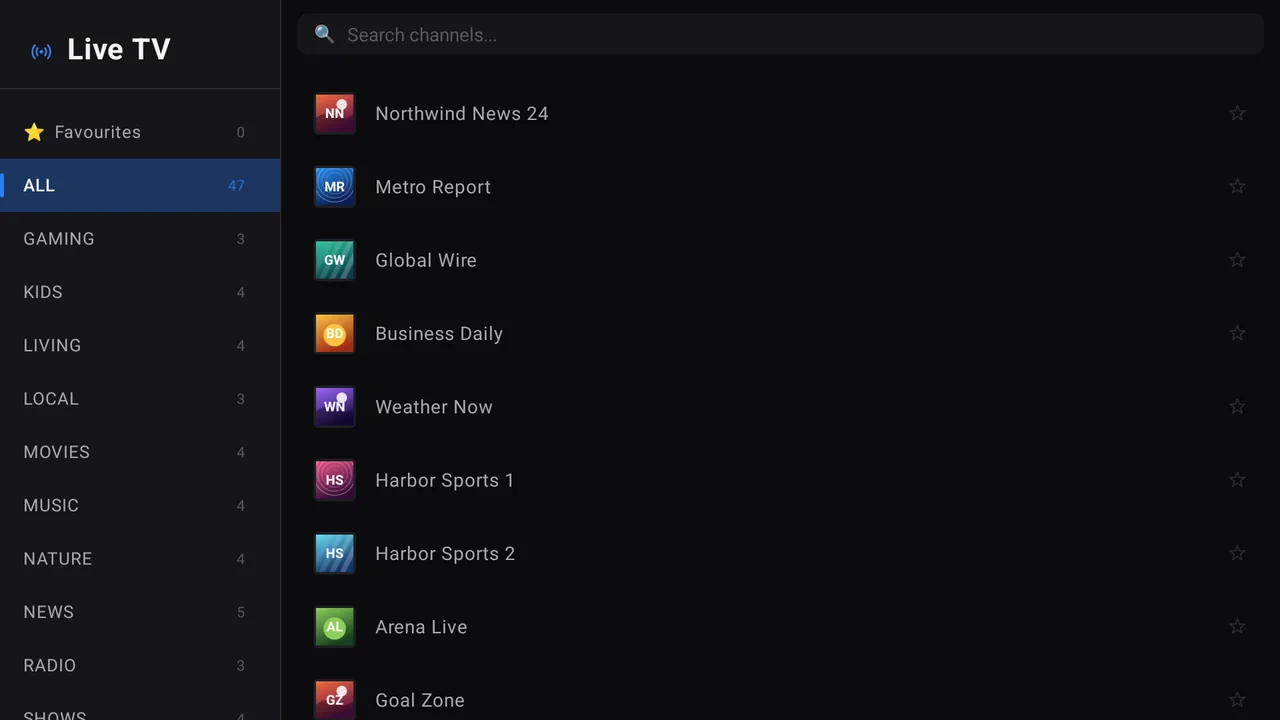
Flip Live TV from a channel list to a channels × time guide grid with one press — or with your remote's Guide key — and see what's on now and next across every channel in the category.
No ads on TV. Ever.
The TV version never shows ads and never even starts an ads SDK. An optional one-time Pro purchase adds custom lists, category lock and advanced title cleanup — no subscription.
Fast on big catalogues
Pick only the categories you watch and ZapStream fetches just those. Catalogues with 100,000+ movies and series stay responsive on the Chromecast's modest hardware.
Plays what other boxes go silent on
Many un-transcoded DVB channels carry MPEG audio that TV boxes can't decode in hardware. ZapStream falls back to software decoding instead of playing a silent picture.
Connects when your DNS won't
Provider hostnames are resolved over DNS-over-HTTPS by default, so the app still reaches your server when your network's own DNS can't. One switch turns it off.
Set it up in a few minutes
Install from Google Play
On your TV, search for ZapStream in the Apps tab. Or open the Google Play listing on your phone or computer and choose your TV as the install target.
Add your M3U or Xtream Codes source
Paste an M3U playlist URL, or enter your provider's server, username and password. The Test button checks DNS, server reachability and login step by step.
Choose your categories
In Settings → Filtering categories, select only what you actually watch for Live TV, Movies and Series. Everything loads faster.
Sit back and zap
Open Live TV, press Up/Down to change channel, and switch to the guide grid whenever you want to see what's coming up.
ZapStream on the big screen
Android TV & Chromecast questions
Does ZapStream work on Chromecast with Google TV?
Yes — both the HD and 4K models, plus any Android TV or Google TV device running Android 9 or later, including smart TVs and set-top boxes. Install it from Google Play on the TV itself.
Is ZapStream free on Android TV?
Yes. The TV version is free and shows no ads at all. Pro is an optional one-time purchase for custom lists, PIN category lock and advanced title cleanup.
Will 4K channels play on my Chromecast?
Only on hardware that can decode them. The Chromecast with Google TV (HD) can't play 4K streams, so ZapStream hides 4K duplicates by default; turn them back on in Settings if your device handles 4K.
Does ZapStream include channels?
No. ZapStream is a player only. You need your own M3U playlist or Xtream Codes account from a provider of your choice.
Can I record or use catch-up TV?
Not today. ZapStream plays live channels and on-demand movies and series; it has no recording or catch-up.