An M3U & Xtream Codes player that feels at home on iPhone and iPad
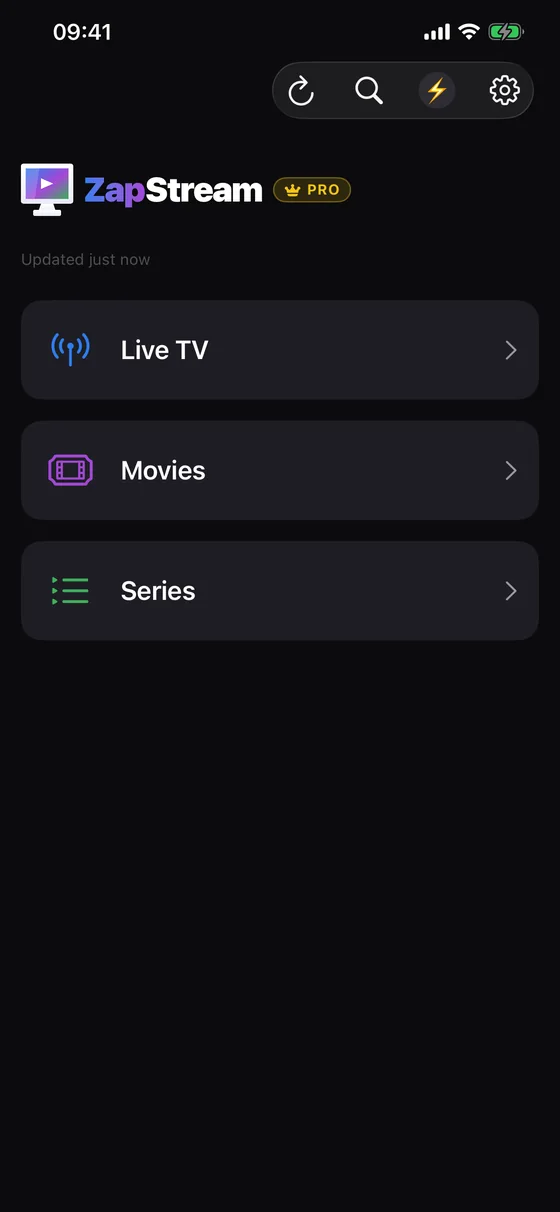
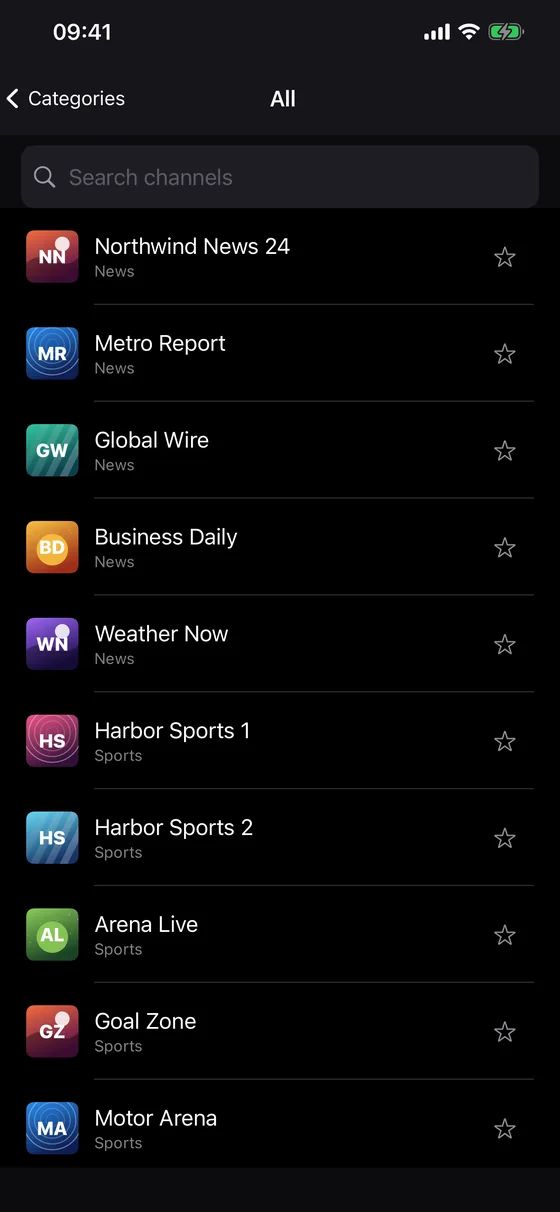
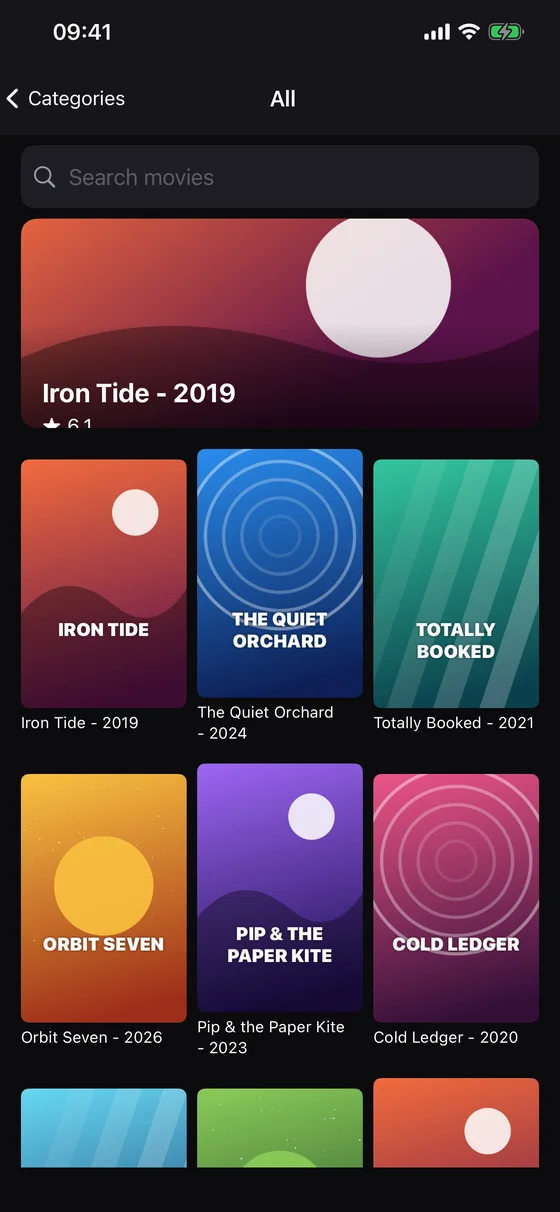
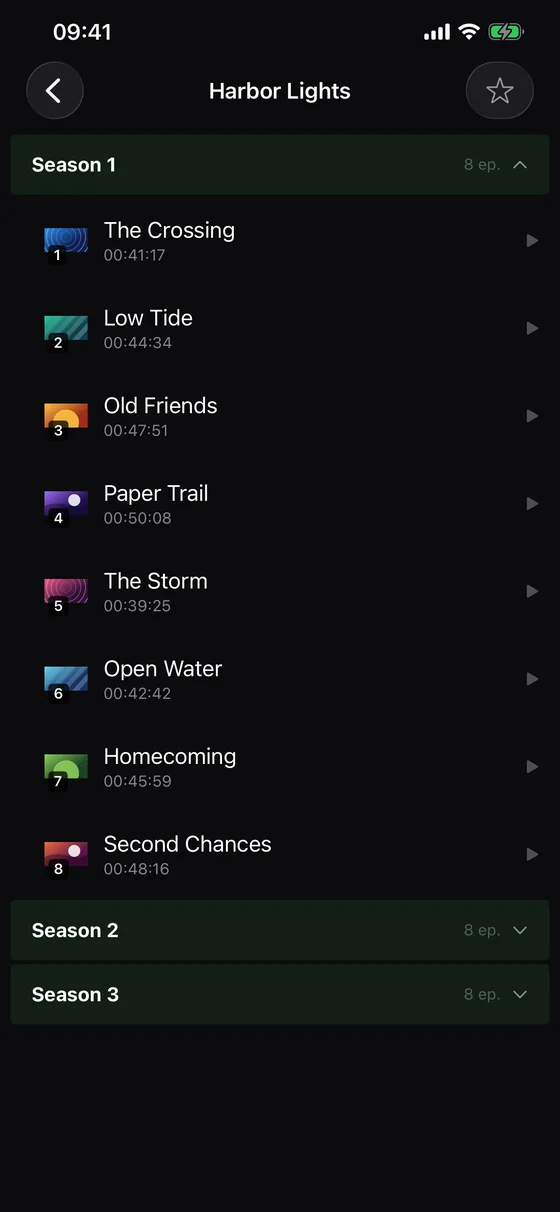
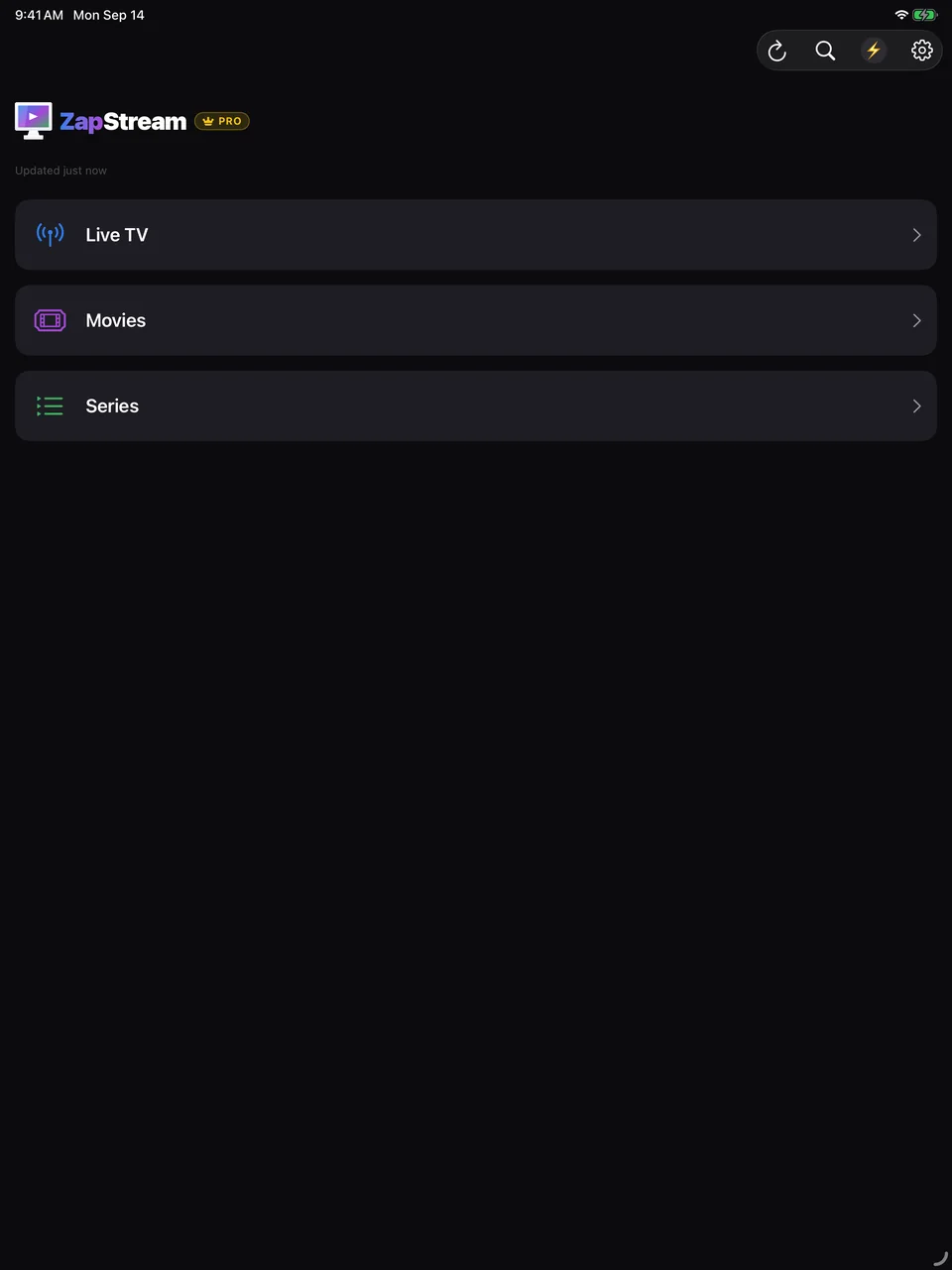
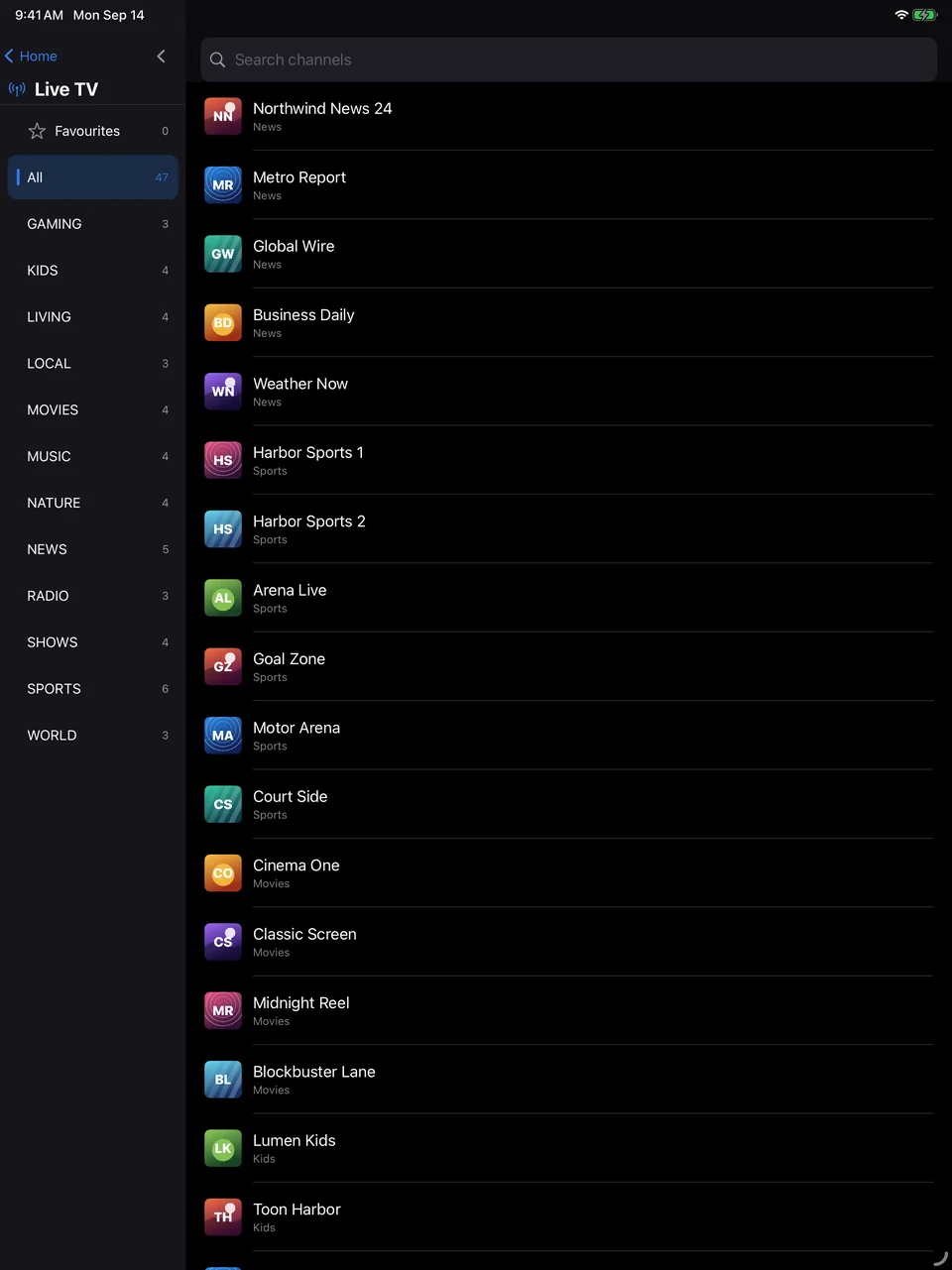
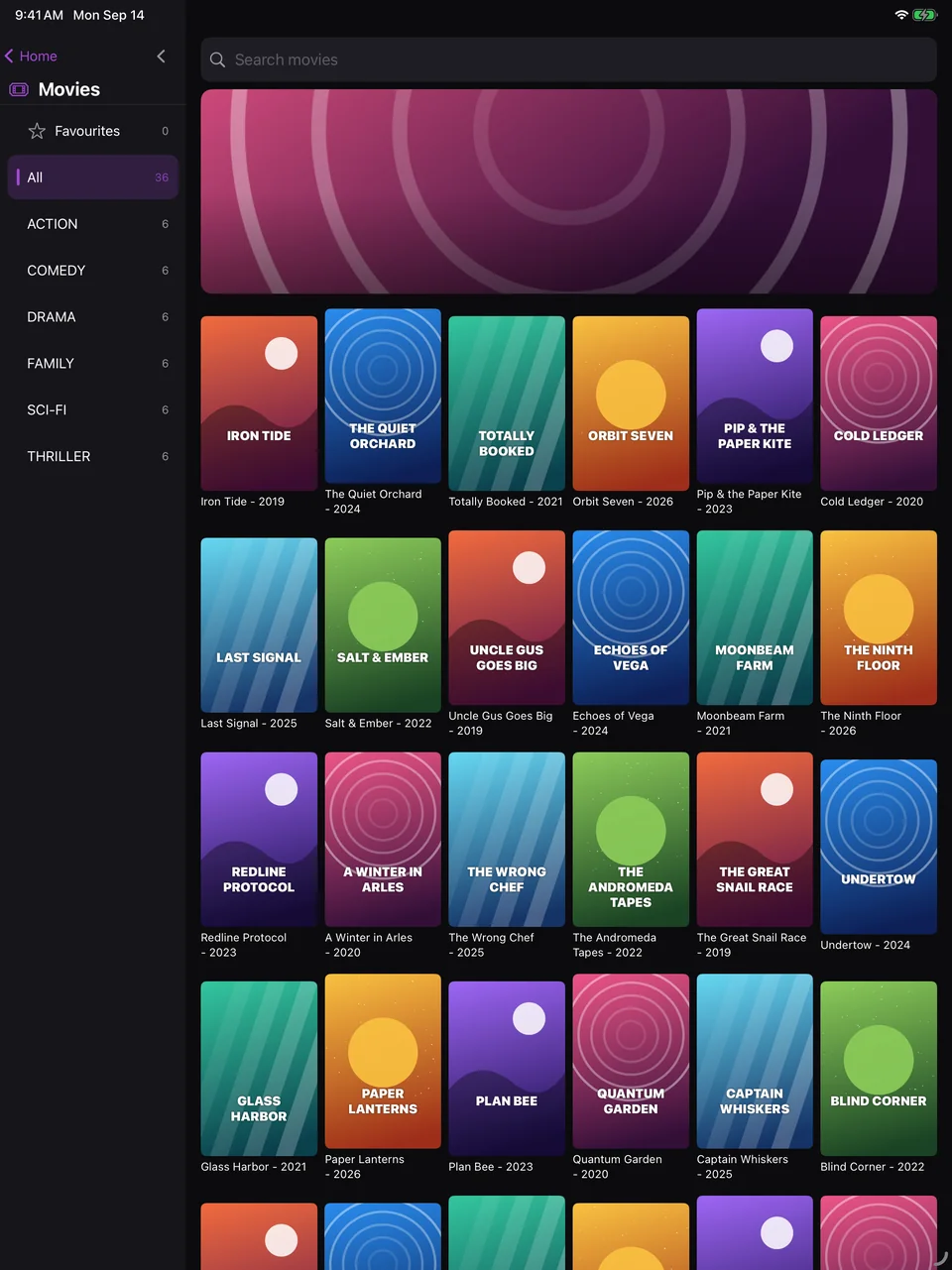
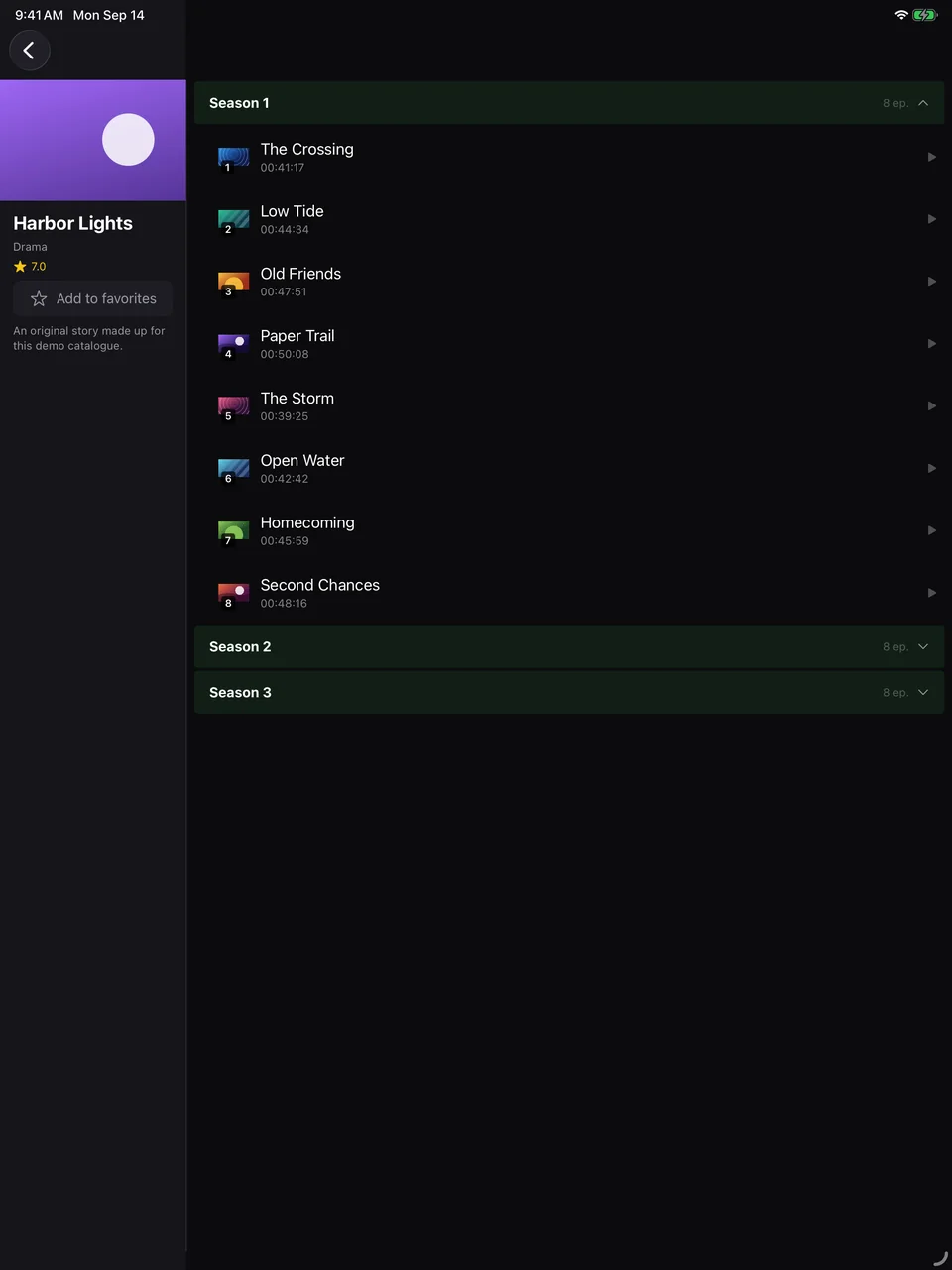
ZapStream is a native iPhone and iPad app for your own M3U playlist or Xtream Codes account. Live TV with a guide grid, poster catalogues for Movies and Series, Picture-in-Picture, and resume everywhere — all from the App Store.
ZapStream is a player, not a content provider — bring your own M3U playlist or Xtream Codes account.
Why ZapStream on iPhone and iPad
Made for touch
Swipe sideways across the picture to change channel, drag the progress bar to seek, and open the channel panel without leaving playback.
iPad layout that uses the space
On iPad, the category sidebar and the poster wall sit side by side, with the guide grid one tap away in Live TV.
Picture-in-Picture
Keep a live channel or a movie playing in a floating window while you check something else.
Plays awkward audio formats
Many IPTV series use audio codecs iOS can't play natively. ZapStream switches to a second playback engine for those, so episodes play with sound.
Your credentials stay on the phone
Xtream Codes passwords are stored in the iOS Keychain and never uploaded anywhere.
Syncs with your Android devices
Opt-in, end-to-end encrypted sync keeps favourites, watch progress, custom lists and category filters in step between your iPhone, iPad and Android devices.
Get started on iPhone or iPad
Download from the App Store
ZapStream runs on iPhone and iPad with iOS / iPadOS 17 or later.
Add your source
Paste an M3U playlist URL, or enter your Xtream Codes server, username and password. Add more profiles later and switch between them in Settings.
Trim your categories
Select only the Live TV, Movies and Series categories you watch, so even a huge provider catalogue loads quickly.
Watch
Search across everything from Home, pick up where you left off in Continue Watching, and swipe to zap between channels.
ZapStream on iPhone and iPad
iPhone & iPad questions
Which iOS version does ZapStream need?
iOS 17 or later on iPhone, and iPadOS 17 or later on iPad.
Is ZapStream free on iPhone?
Yes. It is funded by a Home-screen banner and an occasional full-screen ad between screens — never during playback, and at most once an hour. A one-time Pro Lifetime purchase removes all ads. There is no subscription.
Is there an Apple TV app?
Not yet. ZapStream runs on iPhone and iPad; on the TV it is available for Chromecast with Google TV and Android TV.
Does my Android Pro purchase unlock the iPhone app?
No. Purchases are handled by each store, so Pro bought on Google Play doesn't carry over to the App Store. It does restore for free on another iPhone or iPad with the same Apple ID.
Does ZapStream include channels?
No. ZapStream is a player only — bring your own M3U playlist or Xtream Codes account.